
I stumbled upon this nice UI for filtering when in the Purchase order receipt and follow-up workspace.
There is a single filter field which can search for multiple data/record types.

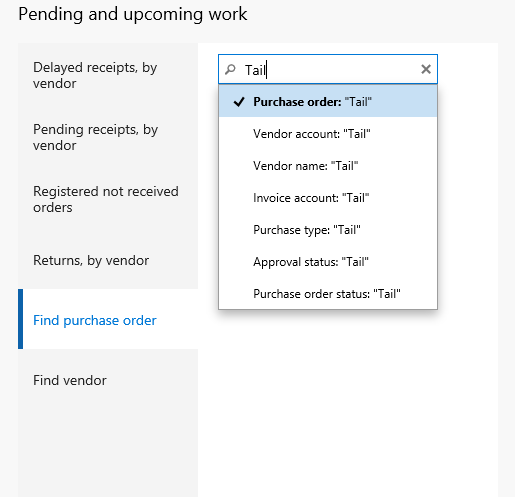
When trying to find a purchase order and you want to search by vendor name, you simply just start typing and are presented with different data types to search by.
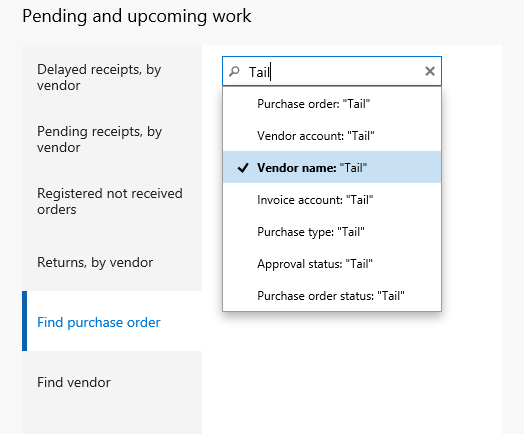
I used the down arrows to select my preferred data type: Vendor Name.
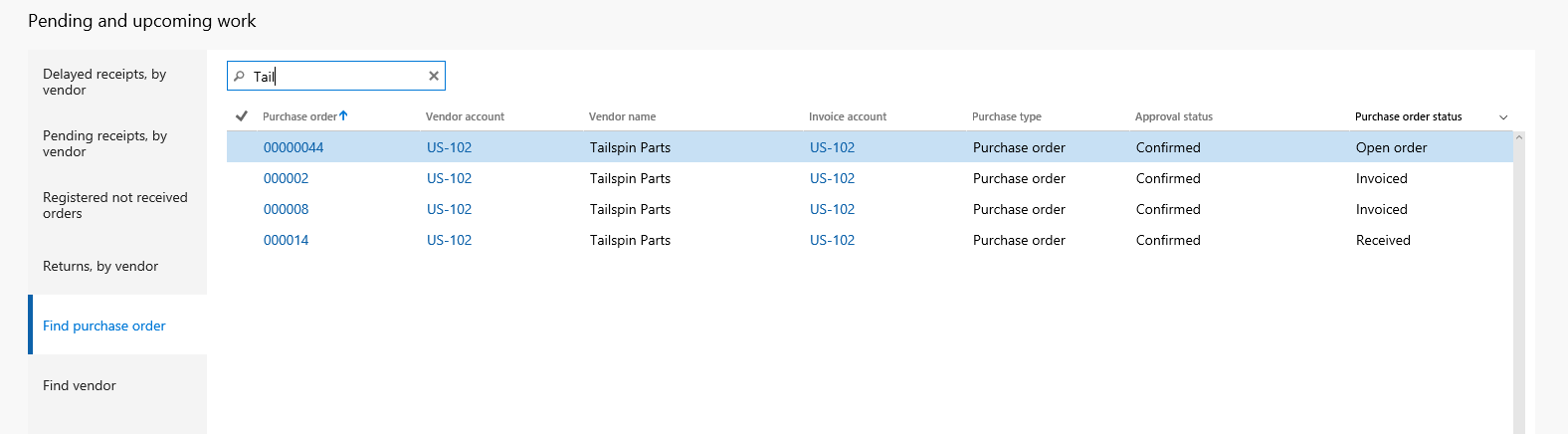
I clicked “Enter” and I got the list of orders for the vendor in a flash.
Simple!
 dyntips.com by Fredrik Sætre
One thought on “AX7 – New general filter box UI”