

Ever been in the situation where you’re running a demo and suddenly you run in to a workflow that is required and you have no idea if the workflow batch processing is running or how to move?
Well I’ve got the answer for you!
- Go to development by clicking CTRL + D.
- Go to the forms node and expand
- Find the tutorial_WorkflowProcessor
- Right click on it and select “Open”
- Click “Start” in the dialogue.
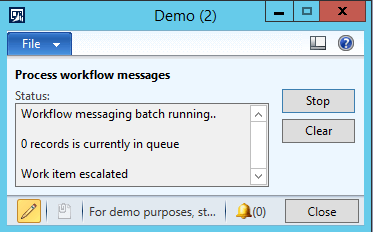
Tada! Workflow processed!
 dyntips.com by Fredrik Sætre
Hi Fredrik – if you’re doing a lot of demos add this as a menu option to your Tools menu.